
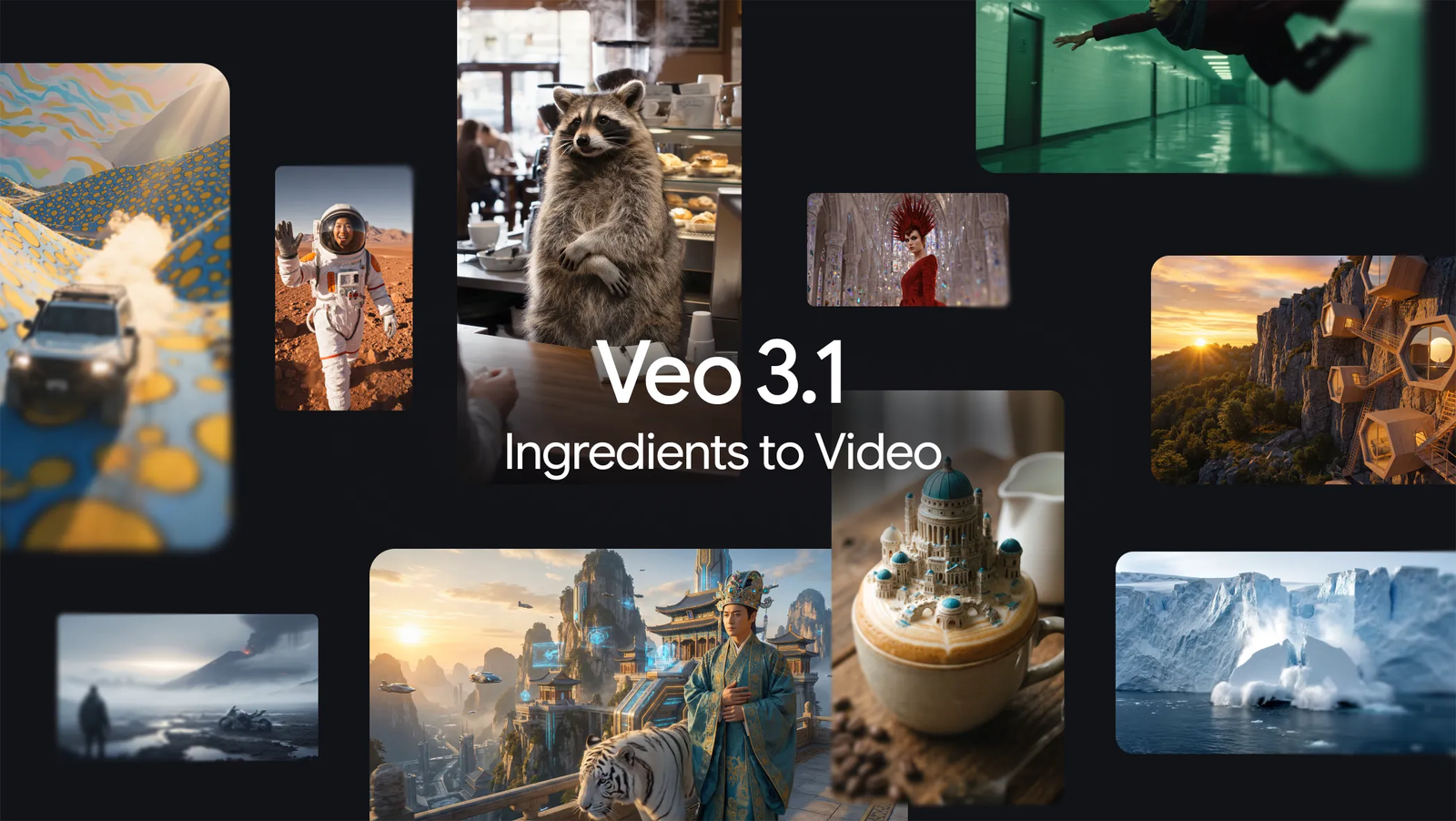
Artificial intelligence has already transformed how we write, design, and market content but video has always been the hardest frontier. High production costs, inconsistent visuals, and time-consuming workflows have kept truly cinematic video creation out of reach for many creators. That is changing fast. With Veo 3.1, Google has taken a decisive step toward making professional-grade AI video not just possible, but practical.
At the heart of this upgrade is Ingredients to Video, a feature that allows creators to generate expressive, high-quality videos from reference images with unprecedented consistency and realism. Whether you’re building short-form reels, cinematic brand stories, or mobile-first content, Veo 3.1 brings something the AI video space has long struggled with: control. Control over characters, framing, audio, resolution, and storytelling without sacrificing creativity.
In a landscape where tools like OpenAI’s Sora dominate headlines, Veo 3.1 quietly positions itself as the most production-ready AI video solution available today, especially for creators who care about repeatable quality and vertical video workflows.
What Is Veo 3.1 Ingredients to Video?
Ingredients to Video is Google Veo’s image-driven video generation system. Instead of relying purely on text prompts, creators can now provide visual “ingredients” such as character reference images, backgrounds, objects, or styles which Veo uses to generate cohesive video clips.
In Veo 3.1, this system has been significantly refined. Videos generated from just one or two reference images now show:
- Stronger character identity
- Better scene continuity
- More believable motion and physics
- Richer dialogue and synchronized audio
Even short prompts produce results that feel intentional rather than random, making Veo 3.1 especially appealing for storytellers and marketers.
Character Consistency: The Breakthrough Creators Wanted
One of the biggest frustrations in AI video generation has been inconsistent characters. A face might subtly change between scenes, outfits morph unexpectedly, or expressions drift off-model. Veo 3.1 addresses this head-on.
Using Ingredients to Video, creators can lock in a character’s appearance and style across multiple clips. The same face, body proportions, clothing aesthetic, and overall look persist even when environments or camera angles change.
This capability has been widely praised by early testers and Reddit users, particularly those building narrative content. For the first time, AI video feels viable for episodic storytelling, branded mascots, and serialized reels.
Consistent Backgrounds, Objects, and Visual Style
Veo 3.1 doesn’t stop at characters. Backgrounds, props, textures, and even lighting styles can remain consistent across videos. This allows creators to reuse visual elements, maintain brand identity, and build controlled scenes instead of starting from scratch every time.
Creators can also blend different ingredients such as a realistic human character with a stylized or illustrated background opening the door to hybrid aesthetics that feel intentional rather than chaotic.
For portrait-first creators and reel marketers, this consistency is a game-changer.
Native Portrait Mode: Built for Shorts and Reels
Unlike many AI video tools that force horizontal outputs and awkward cropping, Veo 3.1 supports native 9:16 portrait video generation. This means:
- No loss of quality
- No reframing hacks
- No post-generation cropping
The result is full-screen, mobile-optimized videos ideal for YouTube Shorts, Instagram Reels, and TikTok-style platforms.
This single feature alone gives Veo 3.1 a massive advantage for creators focused on social growth, where vertical video dominates attention and engagement.
4K Upscaling for Professional Workflows
Veo 3.1 introduces state-of-the-art upscaling, allowing creators to export videos in 1080p or full 4K resolution. This makes it suitable not just for social media, but also for:
- Brand campaigns
- Website hero sections
- Presentations
- Professional video workflows
High-resolution outputs are available through Google’s professional tools like Flow, Gemini API, and Vertex AI, ensuring Veo fits into real production pipelines not just experimentation.
Built-In Audio: A Major Edge Over Competitors
One of Veo’s most underrated strengths is native audio generation. Veo 3.1 can generate synchronized dialogue, ambient sound, and effects directly within the video.
This sets it apart from competitors like Sora, which currently requires external audio tools and post-production syncing. For creators producing short-form content at scale, native audio dramatically reduces editing time and complexity.
The result feels more complete, more immersive, and far closer to a finished video product.
Veo 3.1 vs Sora: Where Veo Pulls Ahead
While Sora excels in imaginative storytelling, Veo 3.1 focuses on production realism and control. Key differences include:
- Audio: Veo includes native sound; Sora does not
- Resolution: Veo supports 4K; Sora is capped at 1080p
- Orientation: Veo supports native portrait mode; Sora is limited
- Consistency: Veo maintains characters and scenes more reliably
- Physics and realism: Veo leads in visual coherence
For creators building short-form reels, branded content, or mobile-first videos, Veo 3.1 currently offers a more practical solution.
Access and Availability
Veo 3.1 is accessible across multiple Google platforms:
For consumers and creators
- Gemini app
- YouTube Shorts
- YouTube Create app
For professionals and developers
- Flow
- Google Vids
- Gemini API
- Vertex AI
High-resolution outputs and advanced controls are rolling out gradually, with API usage billed separately for developers.
Transparency with SynthID Watermarking
Every video generated by Veo 3.1 includes a SynthID watermark, ensuring transparency and authenticity. Users can upload a video to the Gemini app to verify whether it was AI-generated by Google.
This approach balances innovation with responsibility, helping platforms and audiences identify AI content without compromising creative freedom.
How Gossips Marketing Helps Creators Win with Veo 3
For creators and businesses looking to turn Veo 3 AI into real growth, Gossips Marketing, a Jaipur-based digital agency, plays a crucial role. They help brands integrate AI-generated video into SEO-optimized, performance-driven campaigns.
Their services include:
- Optimizing Veo-generated reels for YouTube Shorts and Instagram
- SMO and PPC strategies tailored for Indian MSMEs
- Schema markup for AI video SEO
- Custom website embeds and video galleries
- Workshops and training on emerging tools like Veo 3
By combining AI creativity with marketing strategy, Gossips Marketing ensures videos don’t just look good they perform.
Embedding Veo 3 Videos on Your Website
Veo-generated videos can be easily embedded using standard HTML5. A simple responsive setup looks like this:
<video width="320" height="568" controls poster="thumbnail.jpg">
  <source src="your-veo-video.mp4" type="video/mp4">
  Your browser does not support the video tag.
</video>
For full-screen reels, responsive CSS ensures proper scaling:
video {
  max-width: 100%;
  height: auto;
}
Advanced setups can include interactive video galleries, lazy loading, and WordPress integrations often customized by agencies like Gossips Marketing for SEO and performance.
Final Thoughts
Veo 3.1 Ingredients to Video isn’t just another AI upgrade it’s a signal that AI video is maturing. By solving long-standing issues like character consistency, orientation control, audio integration, and resolution limits, Google has created a tool that feels genuinely usable at scale.
For creators focused on short-form video, mobile audiences, and repeatable quality, Veo 3.1 currently stands at the front of the AI video race. The gap between idea and finished video has never been smaller—and with Veo 3.1, it finally feels like AI is working with creators, not against them.
1. What is Veo 3.1 Ingredients to Video?
Veo 3.1 Ingredients to Video is Google’s AI feature that transforms reference images into high-quality, expressive videos while maintaining consistent characters, objects, and backgrounds across scenes.
2. How is Veo 3.1 different from Sora AI?
Veo 3.1 offers native audio generation, portrait (9:16) video support, and 4K resolution, whereas Sora currently lacks built-in sound, caps at 1080p, and is less optimized for mobile reels.
3. Is Veo 3.1 good for creating reels and YouTube Shorts?
Yes, Veo 3.1 is ideal for reels and Shorts because it generates native vertical videos without cropping, delivering full-screen, mobile-optimized content with smooth motion and realism.
4. Can Veo 3.1 maintain the same character across multiple videos?
Absolutely. One of Veo 3.1’s biggest strengths is character consistency—faces, styles, and visual identity remain stable even when scenes or prompts change.
5. How can I verify if a video is generated by Google Veo AI?
All Veo 3.1 videos include a SynthID watermark. You can upload the video to the Gemini app to detect and verify whether it was AI-generated by Google.