
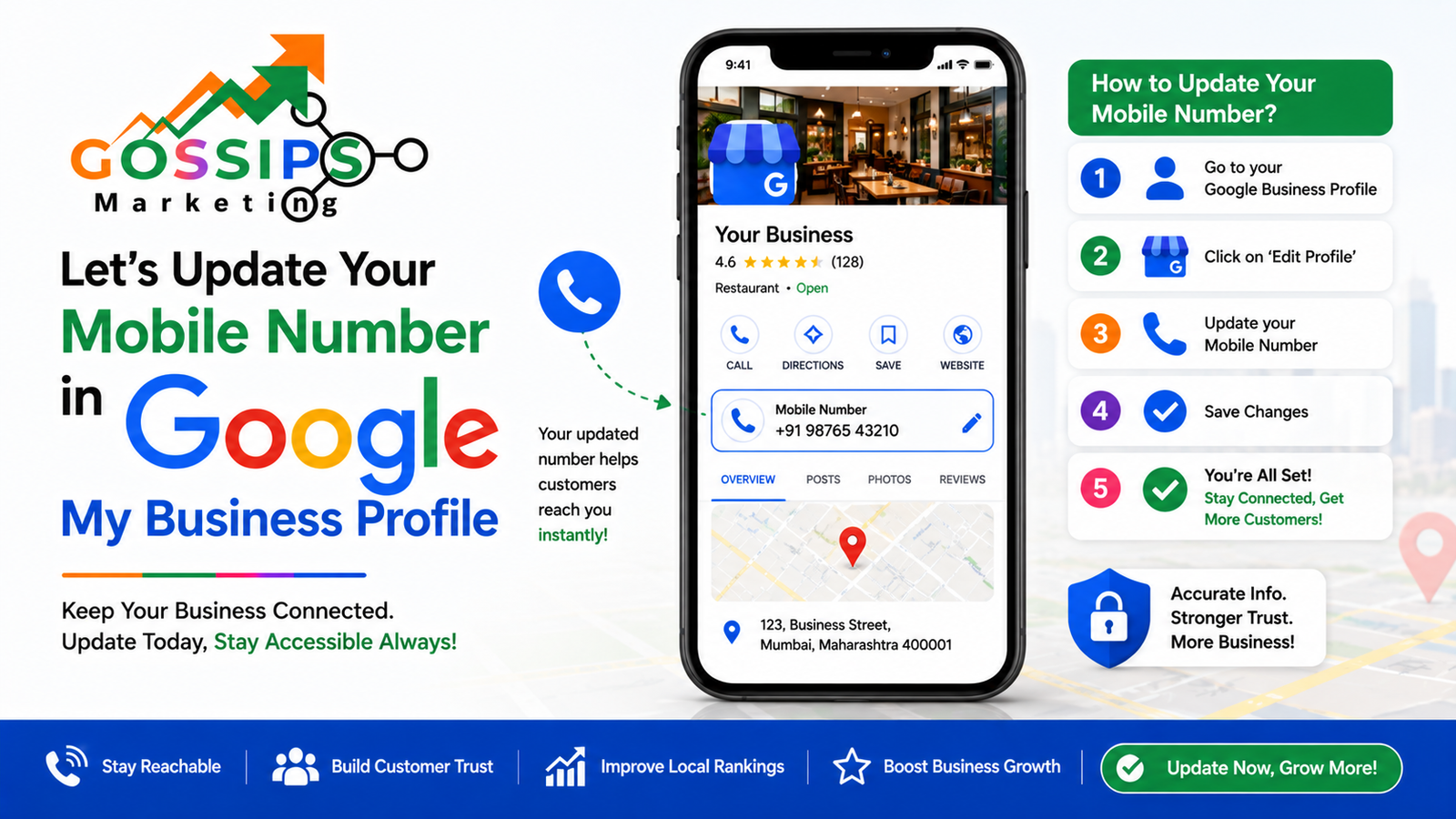
Your business phone number is one of the most important parts of your Google Business Profile. If the number is wrong, outdated, or not updating properly, customers may stop contacting you. Calls can be lost, trust can go down, and sometimes your local ranking may also get affected.
Many business owners face this issue:
- New mobile number added but Google still shows the old one
- Profile edits remain “Pending”
- Changes get rejected automatically
- Verification fails after changing the number
- Ranking drops after editing contact details
If this is happening with your business profile, don’t worry. In most cases, Google is simply trying to verify whether your business details are genuine and trustworthy.
In this guide, we’ll explain why Google sometimes does not update your mobile number and what steps you should take to fix the issue properly.
Why Google Does Not Update Your Mobile Number Easily
Google wants to protect users from fake businesses, spam listings, and misleading contact details.
That is why Google cross-checks your business information from multiple sources before approving updates.
If your new number is not matching across the internet, Google may:
- Keep the old number
- Reject the update
- Put changes under review
- Temporarily reduce your visibility
The good part is that once Google trusts your updated information, the profile usually gets updated successfully.
Now let’s understand the exact things Google checks.
1. Create a Proper Webpage With Exact Business Details
The first thing Google wants is a proper webpage that clearly shows your business details.
Your website should include:
- Business Name
- Address
- Mobile Number
- Business timing
- Services
- Contact page
This information should match exactly with your Google Business Profile.
For example:
If your Google profile says:
- Business Name: Gossips Marketing Expert
- Phone: +91-9876543210
Then your website should display the same details exactly.
Even small mismatches can confuse Google:
- Different spellings
- Short business names
- Different phone numbers
- Different addresses
These inconsistencies reduce trust signals.
Important Tip
Always place your business details in:
- Footer section
- Contact page
- About page
This helps Google crawl and verify your information faster.
2. NAP Citation Submission Is Important
NAP means:
- Name
- Address
- Phone Number
Google checks your business listings on other websites to confirm whether your business details are genuine.
These listings are called citations.
Some popular business listing websites include:
- Justdial
- Sulekha
- IndiaMART
- Yelp
- Trustpilot
- Trustindex
- Yellow Pages
If your old number still exists on these platforms, Google may hesitate to approve your new number.
That is why citation consistency is extremely important.
What You Should Do
Update your business details on all major listing websites.
Make sure:
- Business name is the same
- Address is the same
- Mobile number is the same
If one platform shows:
“9876543210”
and another shows:
“9123456789”
Google may think the profile is inconsistent.
Why Citations Matter for Ranking
Strong NAP citations help:
- Increase local trust
- Improve Google Maps visibility
- Boost local SEO
- Improve contact credibility
- Support mobile number verification
Businesses with strong citation profiles usually rank better than businesses with incomplete listings.
3. Cross Verify These 10 Google Business Profile Issues
Sometimes the mobile number issue is connected with other profile problems.
Here are common GMB issues that can affect your Google Business Profile ranking and credibility.
1. Incorrect Business Category
Choosing the wrong category confuses Google about your business services.
Example:
A digital marketing agency selecting “Computer Shop.”
Always choose accurate categories.
2. Keyword Stuffing in Business Name
Adding extra keywords like:
“Best SEO Agency Delhi Cheap SEO Services”
can trigger Google spam filters.
Use only your real business name.
3. Duplicate Google Business Profiles
Multiple profiles for the same business location can reduce trust.
Remove duplicate listings immediately.
4. Inconsistent NAP Details
Different phone numbers and addresses across the internet create confusion.
Consistency is critical.
5. Low Review Activity
Businesses with fewer or outdated reviews may lose engagement signals.
Encourage genuine customer reviews regularly.
6. No Website Authority
If your website is weak or inactive, Google may not trust profile updates quickly.
A strong website improves approval chances.
7. Inactive Business Profile
If you never update your profile, Google may treat it as inactive.
Regular activity matters.
8. Missing Business Description
An incomplete profile reduces credibility.
Add proper services and business information.
9. Poor Image Optimization
Low-quality or outdated images reduce user engagement.
Upload:
- Office images
- Team images
- Product images
- Service photos
10. Verification Issues
If your business verification is incomplete or suspicious, edits may get delayed.
Always complete verification properly.
4. Regular Business Posting Helps Your Profile Stay Active
Google likes active businesses.
If you regularly post updates, Google receives positive engagement signals.
This helps improve:
- Visibility
- Trust
- Customer interaction
- Local ranking
What You Can Post
You can post:
- New products
- Service announcements
- Festival greetings
- Discounts and offers
- Customer updates
- Business achievements
- Event announcements
- Before and after work photos
Why Posting Matters
When users interact with your posts:
- Clicks increase
- Engagement improves
- Profile freshness increases
Google notices this activity.
Businesses that post consistently often perform better in local search results compared to inactive profiles.
Posting Frequency
A good practice is:
- 2–4 posts weekly
Consistency matters more than quantity.
5. Submit Legal Business Certificates
Google also checks legal authenticity.
Submitting official business documents helps build trust.
If you are in India, you can use:
- MSME Certificate
- GST Certificate
- Electricity Bill
- Shop License
- Business Registration
- Utility Bills
Important Rule
All details on documents should match your profile exactly:
- Business name
- Address
- Phone number
If the details mismatch, Google may reject edits.
How We Help You Update Mobile Number in Google Business Profile
Many business owners try updating their number directly from the dashboard, but without building trust signals, the changes often remain pending.
We help businesses by:
- Fixing NAP consistency
- Creating citation listings
- Updating business directories
- Optimizing profile details
- Improving local SEO signals
- Resolving profile trust issues
- Guiding verification support
- Improving profile engagement
Our goal is not only to update the number but also to improve your overall Google Business Profile performance.
Final Thoughts
Updating a mobile number in Google Business Profile is not just a simple edit anymore.
Google checks:
- Website details
- Citations
- Profile activity
- Legal documents
- Consistency across the internet
If everything matches properly, the update process becomes much smoother.
The biggest mistake business owners make is changing details randomly without maintaining consistency.
Focus on building trust signals first:
- Correct website details
- Strong NAP citations
- Regular posting
- Verified documents
- Active engagement
Once Google trusts your business information, your profile becomes stronger, more visible, and more reliable for customers.
FAQs
How long does Google take to update a mobile number?
Usually it can take anywhere from a few minutes to several days depending on profile trust and verification status.
Why is my phone number update stuck in pending?
This usually happens because Google is cross-verifying your business details across websites and citations.
Can inconsistent citations stop number updates?
Yes. If other websites still show your old number, Google may delay or reject the update.
Do I need a website to update my Google Business Profile number?
A website is highly recommended because it helps Google verify your business details more easily.
What documents can help verify my business in India?
You can use:
- GST Certificate
- MSME Certificate
- Electricity Bill
- Shop License
- Utility Bills
as long as the business details match your profile.
How often should I post on Google Business Profile?
Posting 2–4 times weekly is considered a good practice for engagement and profile activity.
Can regular posting improve local ranking?
Yes. Regular posting improves engagement signals, which can positively support local visibility and customer interaction.
What is NAP consistency?
NAP consistency means your:
- Name
- Address
- Phone Number
should remain identical across all websites and business listings.