

Google Search Operators are one of the most powerful and underused SEO techniques. While most users rely on basic keyword searches, SEO professionals use search operators to uncover indexing issues, analyze competitors, discover content gaps, and perform deep SERP research.
This pillar page acts as a central hub covering everything you need to know about Google search operators from fundamentals to advanced SEO workflows—making it an essential resource for beginners and experts alike.
What Are Google Search Operators?
Google search operators are special commands, symbols, or characters that refine search results. They allow you to tell Google exactly what you want to find by including or excluding specific elements from the SERP.
Instead of scanning thousands of results manually, operators help you surface highly targeted and actionable data within seconds.
Why Search Operators Matter for SEO
Search operators play a critical role in SEO because they help with:
- Technical SEO audits
- Indexing and crawlability checks
- Competitor content analysis
- Keyword discovery and intent mapping
- Brand and reputation monitoring
- Local SEO research
They transform Google from a simple search engine into a real-time SEO research tool.
Read Also: Why use Quora For SEO
How to Use Google Search Operators (Basic Rules)
Before diving into advanced use cases, it’s important to understand the basic rules.
Basic Rules
- Operators must be typed exactly as intended
- Do not add spaces between the operator and the keyword
- Operators can be combined for deeper analysis
- Google may ignore unsupported or deprecated operators
Quick Tips for Better Results
- Start with simple combinations
- Use quotation marks for precision
- Avoid overloading a single query
- Test multiple variations for accuracy
Basic Google Search Operators (With Examples)
Quotation Marks (” “)
Finds exact-match phrases.
Example:
“SEO services for education”
Useful for plagiarism checks, exact intent research, and brand mentions.
AND Operator
Returns results containing all specified terms.
Example:
SEO AND universities
OR Operator
Finds results containing either term.
Example:
college OR university SEO
Parentheses ( )
Groups multiple keywords together.
Example:
(SEO OR SEM) education
Minus Sign (-)
Excludes specific terms.
Example:
SEO services -jobs
Dollar Sign ($)
Searches for pricing-related results.
Example:
SEO tools $
to / in (Conversions)
Used for unit or currency conversion.
Example:
100 USD to INR
Double Period (..)
Searches within a numeric range.
Example:
SEO trends 2020..2025
Asterisk (*)
Acts as a wildcard placeholder.
Example:
best * SEO tools
@ (Social Search)
Searches social media mentions.
Example:
@gossipsmarketing

Top Online Digital Marketing Courses in India
If you are exploring online digital marketing courses in India in 2026, you’re entering one of the fastest-growing, most future-proof…


Digital Marketing Course Topics: Complete Syllabus for Beginners in 2026
If you want to learn digital marketing but feel confused about where to start, this guide will help you. Most beginners…

Digital Marketing Certification: A Smart Step for Career and Business
Today, every business wants to grow online. From small shops to big companies, everyone is using the internet to connect…

SEO Agency in USA for Small Businesses in 2026
In 2026, every small business needs a strong online presence to grow faster and reach more customers. A professional SEO…


AI SEO in 2026: Top Strategies to Rank Higher on
AI SEO is changing the future of digital marketing. Today, businesses are using AI powered SEO strategies to improve Google…
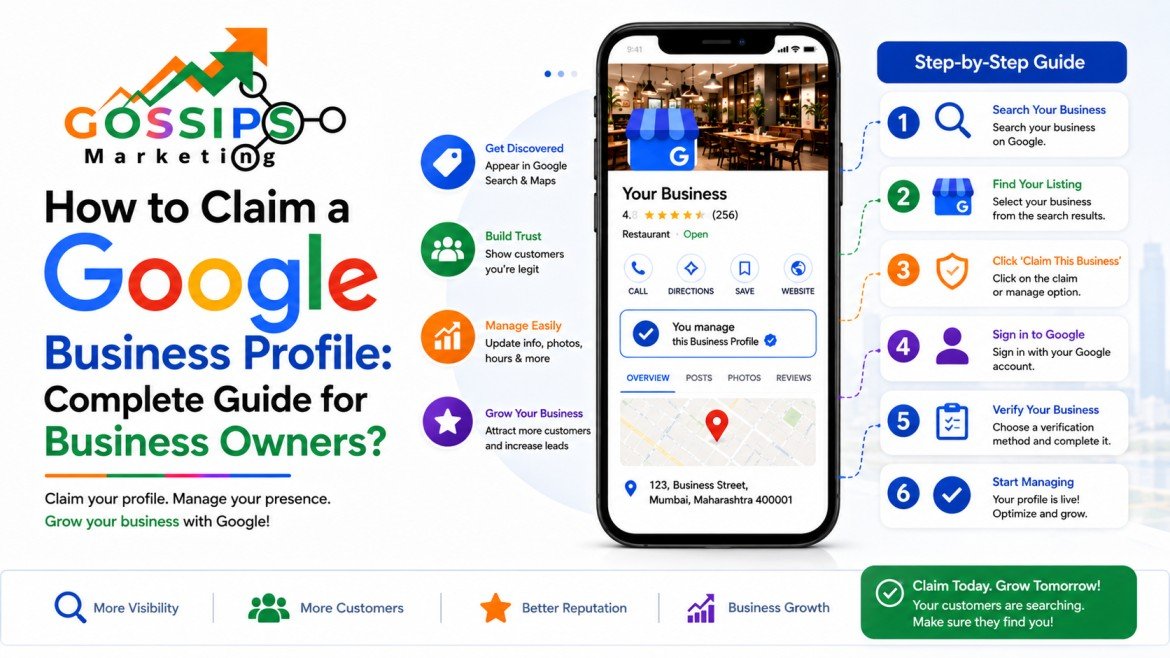
How to Claim a Google Business Profile: Complete Guide for
Introduction When someone searches your business name or “service + near me,” your Google Business Profile (GBP) is often the first…
Advanced Google Search Operators for SEO
Advanced operators allow highly specific searches and are essential for professional SEO research.
site:
Limits results to a specific domain.
Example:
site:example.com SEO
Used for indexing audits and content discovery.
related:
Finds websites similar to a given domain.
Example:
related:hubspot.com
intitle: / allintitle:
Searches keywords in page titles.
Example:
intitle:SEO checklist
intext: / allintext:
Searches keywords within page content.
Example:
intext:”student enrollment”
inurl: / allinurl:
Searches keywords within URLs.
Example:
inurl:blog SEO
filetype:
Finds specific file formats.
Example:
filetype:pdf SEO guide
location:
Filters results by geographic location.
Example:
SEO agency location:India
cache:
Displays Google’s cached version of a page.
Example:
cache:example.com
define:
Shows definitions directly from Google.
Example:
define:SEO
AROUND(X)
Finds terms located near each other.
Example:
SEO AROUND(3) education
Practical SEO Use Cases (Operator Workflows)
Find Site Indexing Issues
site:example.com -inurl:https
Detect Duplicate Content
site:example.com “exact sentence”
Carry Out Competitor Analysis
site:competitor.com blog
Conduct Keyword Research
intitle:”how to” SEO
Monitor Brand Mentions
“Brand Name” -site:brandwebsite.com
Enhance Local SEO Optimization
SEO services location:Delhi
Detect Content Gaps
site:competitor.com “SEO guide”
Locate Unwanted Indexed Documents
site:example.com filetype:pdf
Identify Guest Posting Opportunities
“write for us” SEO
Discover Competitor Publishing Frequency
site:competitor.com 2024..2025
Combining Search Operators With SEO Tools
Search operators work best when combined with SEO platforms and analytics tools.
Google Search Console
- Validate indexed URLs
- Investigate coverage errors
- Cross-check crawl reports
Rank Tracking & SEO Tools
- Verify keyword intent
- Analyze SERP competition
- Validate ranking opportunities
Best Practices
- Save commonly used operator formulas
- Combine two or three operators at most
- Cross-check insights with SEO tools
Conclusion: Why Google Search Operators Still Matter
Despite the rise of AI tools and automation, Google search operators remain one of the most reliable and transparent SEO research methods available.
They provide:
- Direct access to SERP data
- Faster SEO audits
- Better competitive insights
- Smarter strategic decisions
When used correctly, search operators become a core pillar of any advanced SEO toolkit.
Final Takeaway
Master Google search operators once, and you’ll gain a lifetime SEO skill that improves every campaign, audit, and strategy you execute.